Initializing Usercentrics
Before we get started with the integration, let's review some basics on when to initialize Usercentrics and legal requirements.
When to present the banner?
In general, you are free to decide when to present the banner to your users. e.g. Right after app launch, after login, during app onboarding, etc.
There are only 2 requirements when deciding when to do this:
Requirement 1
Do NOT enable any data tracking from 3rd party services/SDKs before a user has given explicit consent. This would otherwise be a breach of data protection regulations, which can result in heavy fines.
Requirement 2
Don't forget Requirement 1.
Initialize Usercentrics
Initialize only when the app is in the foreground
Call initialize()/configure() once the app becomes active — not from Application.onCreate() (Android) or application(_:didFinishLaunchingWithOptions:) (iOS), since those also fire on background/OS-triggered launches (push, boot, scheduled jobs), which don't reflect real user sessions. See the guarded pattern below.
-
Import
Usercentrics, configure your options and call the init method of the SDK:// In your App struct — do NOT call this from // application(_:didFinishLaunchingWithOptions:) import SwiftUI import Usercentrics @main struct MyApp: App { @Environment(\.scenePhase) private var scenePhase static var didInitialize = false var body: some Scene { WindowGroup { ContentView() } .onChange(of: scenePhase) { newPhase in guard newPhase == .active, !Self.didInitialize else { return } Self.didInitialize = true let options = UsercentricsOptions(settingsId: <SettingsID>) UsercentricsCore.configure(options: options) } } }UIKit
Without SwiftUI, call
initialize()fromsceneDidBecomeActive(_:)(orapplicationDidBecomeActive(_:)if not using scenes) behind the same one-shot guard, instead ofdidFinishLaunchingWithOptions.Requires the lifecycle-process dependency
This snippet uses
ProcessLifecycleOwner, which needsandroidx.lifecycle:lifecycle-processon your app's classpath. Add it to your app'sbuild.gradle(.kts) if it isn't already there:implementation("androidx.lifecycle:lifecycle-process:<latest_version>")// Register on Application.onCreate() — the observer fires on the // first genuine foreground start, not on process creation import androidx.lifecycle.DefaultLifecycleObserver import androidx.lifecycle.LifecycleOwner import androidx.lifecycle.ProcessLifecycleOwner import com.usercentrics.sdk.* import java.util.concurrent.atomic.AtomicBoolean class MyApplication : Application() { private val didInitialize = AtomicBoolean(false) override fun onCreate() { super.onCreate() ProcessLifecycleOwner.get().lifecycle.addObserver(object : DefaultLifecycleObserver { override fun onStart(owner: LifecycleOwner) { if (didInitialize.compareAndSet(false, true)) { val options = UsercentricsOptions(settingsId = <SettingsID>) Usercentrics.initialize(this@MyApplication, options) } } }) } }// e.g place this inside the [initState] of the Entry Point Widget import 'package:usercentrics_sdk/usercentrics_sdk.dart'; Usercentrics.initialize( settingsId: <SettingsID>, );// On your App entrypoint import { Usercentrics, UsercentricsOptions } from '@usercentrics/react-native-sdk'; // React hooks useEffect(() => { let options = new UsercentricsOptions(<SettingsID>); Usercentrics.configure(options); }, []); // Or via constructor constructor(props: any) { super(props) let options = new UsercentricsOptions(<SettingsID>) Usercentrics.configure(options) }Only Initialize the SDK once!
The SDK should only be initialized once per APP lifecycle. Do not initialize more than once.
-
Use
isReadyto fetch the latest consent status. This status will let you know if you need to show the banner to collect consent or only apply the already collected consent.import Usercentrics UsercentricsCore.isReady { [weak self] status in guard let self = self else { return } if status.shouldCollectConsent { // Show banner to collect consent } else { // Apply consent with status.consents } } onFailure: { error in // Handle non-localized error }import com.usercentrics.sdk.* Usercentrics.isReady({ status -> if (status.shouldCollectConsent) { // Show banner to collect consent } else { // Apply consent with status.consents } }, { error -> // Handle non-localized error })import 'package:usercentrics_sdk/usercentrics_sdk.dart'; try { final status = await Usercentrics.status; if (status.shouldCollectConsent) { // Show banner to collect consent } else { // Apply consent with status.consents } } catch (error) { // Handle non-localized error }import { Usercentrics } from '@usercentrics/react-native-sdk'; try { const status = await Usercentrics.status(); if (status.shouldCollectConsent) { // Show banner to collect consent } else { // Apply consent with status.consents } } catch(error) { // Handle error }Wait for isReady
It is required that you wait until isReady is called to use any SDK methods. Not doing so could lead to a crash, as methods called when the SDK has not finished initializing will return an exception.
-
Once you are ready to collect consent, use the status object returned in
isReadyto know if youshouldCollectConsentor if consent has already been collected.UsercentricsCore.isReady { [weak self] status in guard let self = self else { return } if status.shouldCollectConsent { self.collectConsent() } else { // Apply consent with status.consents } } onFailure: { error in // Handle non-localized error }Usercentrics.isReady({ status -> if (status.shouldCollectConsent) { collectConsent() } else { // Apply consent with status.consents } },{ error -> // Handle non-localized error })try { final status = await Usercentrics.status; if (status.shouldCollectConsent) { collectConsent(); } else { // Apply consent with status.consents } } catch (error) { // Handle non-localized error }try { const status = await Usercentrics.status(); if (status.shouldCollectConsent) { collectConsent(); } else { // Apply consents with status.consents } } catch(e) { // Handle non-localized error }
Inside collectConsent(), you will be presenting the consent banner.
-
Import
Usercentrics, configure your options and call the init method of the SDK:// In your App struct — do NOT call this from // application(_:didFinishLaunchingWithOptions:) import SwiftUI import Usercentrics @main struct MyApp: App { @Environment(\.scenePhase) private var scenePhase static var didInitialize = false var body: some Scene { WindowGroup { ContentView() } .onChange(of: scenePhase) { newPhase in guard newPhase == .active, !Self.didInitialize else { return } Self.didInitialize = true let options = UsercentricsOptions() options.ruleSetId = "<RulesetID>" UsercentricsCore.configure(options: options) } } }UIKit
Without SwiftUI, call
initialize()fromsceneDidBecomeActive(_:)(orapplicationDidBecomeActive(_:)if not using scenes) behind the same one-shot guard, instead ofdidFinishLaunchingWithOptions.Requires the lifecycle-process dependency
This snippet uses
ProcessLifecycleOwner, which needsandroidx.lifecycle:lifecycle-processon your app's classpath. Add it to your app'sbuild.gradle(.kts) if it isn't already there:implementation("androidx.lifecycle:lifecycle-process:<latest_version>")// Register on Application.onCreate() — the observer fires on the // first genuine foreground start, not on process creation import androidx.lifecycle.DefaultLifecycleObserver import androidx.lifecycle.LifecycleOwner import androidx.lifecycle.ProcessLifecycleOwner import com.usercentrics.sdk.* import java.util.concurrent.atomic.AtomicBoolean class MyApplication : Application() { private val didInitialize = AtomicBoolean(false) override fun onCreate() { super.onCreate() ProcessLifecycleOwner.get().lifecycle.addObserver(object : DefaultLifecycleObserver { override fun onStart(owner: LifecycleOwner) { if (didInitialize.compareAndSet(false, true)) { val options = UsercentricsOptions(ruleSetId = "<RulesetID>") Usercentrics.initialize(this@MyApplication, options) } } }) } }// e.g place this inside the [initState] of the Entry Point Widget import 'package:usercentrics_sdk/usercentrics_sdk.dart'; Usercentrics.initialize( ruleSetId: "<RulesetID>" );// On your App entrypoint import { Usercentrics, UsercentricsOptions } from '@usercentrics/react-native-sdk'; // React hooks useEffect(() => { let options: UsercentricsOptions = { ruleSetId: "<RulesetID>" }; Usercentrics.configure(options); }, []); // Or via constructor constructor(props: any) { super(props) let options: UsercentricsOptions = { ruleSetId: "<RulesetID>" }; Usercentrics.configure(options) } -
Use
isReadyto get the geolocationRuleset. This object will let you know if the banner is required according to the configurations and the user's location.import Usercentrics UsercentricsCore.isReady { [weak self] status in guard let self = self else { return } if status.geolocationRuleset != null && status.geolocationRuleset.bannerRequiredAtLocation == false { // banner is not required at this location return } if status.shouldCollectConsent { // Show banner to collect consent } else { // Apply consent with status.consents } } onFailure: { error in // Handle non-localized error }import com.usercentrics.sdk.* Usercentrics.isReady({ status -> if (status.geolocationRuleset != null && status.geolocationRuleset?.bannerRequiredAtLocation == false) { // banner is not required at this location return@isReady } if (status.shouldCollectConsent) { // Show banner to collect consent } else { // Apply consent with status.consents } }, { error -> // Handle non-localized error })import 'package:usercentrics_sdk/usercentrics_sdk.dart'; try { final status = await Usercentrics.status; if (status.geolocationRuleset != null && status.geolocationRuleset?.bannerRequiredAtLocation == false) { // banner is not required at this location return; } if (status.shouldCollectConsent) { // Show banner to collect consent } else { // Apply consent with status.consents } } catch (error) { // Handle non-localized error }import { Usercentrics } from '@usercentrics/react-native-sdk'; try { const status = await Usercentrics.status(); if (status.geolocationRuleset != null && status.geolocationRuleset?.bannerRequiredAtLocation == false) { // banner is not required at this location return } if (status.shouldCollectConsent) { // Show banner to collect consent } else { // Apply consent with status.consents } } catch(error) { // Handle error }Wait for isReady
It is required that you wait until isReady is called to use any SDK methods. Not doing so could lead to a crash, as methods called when the SDK has not finished initializing will return an exception.
-
Once you are ready to collect consent, use the status object returned in
isReadyto know if youshouldCollectConsentor if consent has already been collected.UsercentricsCore.isReady { [weak self] status in guard let self = self else { return } if status.shouldCollectConsent { self.collectConsent() } else { // Apply consent with status.consents } } onFailure: { error in // Handle non-localized error }Usercentrics.isReady({ status -> if (status.shouldCollectConsent) { collectConsent() } else { // Apply consent with status.consents } },{ error -> // Handle non-localized error })try { final status = await Usercentrics.status; if (status.shouldCollectConsent) { collectConsent(); } else { // Apply consent with status.consents } } catch (error) { // Handle non-localized error }try { const status = await Usercentrics.status(); if (status.shouldCollectConsent) { collectConsent(); } else { // Apply consents with status.consents } } catch(e) { // Handle non-localized error }
Inside collectConsent(), you will be presenting the consent banner.
Initialization Failed
If the first init failed you can use initialize() again to clean all local storage and release the initialized instance. Make sure you validate the expected behaviour.
Switching SettingsIDs
If you need to switch SettingsIDs during runtime, just reinitialize the SDK with the new SettingsID. This will automatically trigger a reset(), and initialize the new configuration.
Presenting the Consent Banner
In order to present the banner, we offer different options depending on your needs:
UsercentricsUI
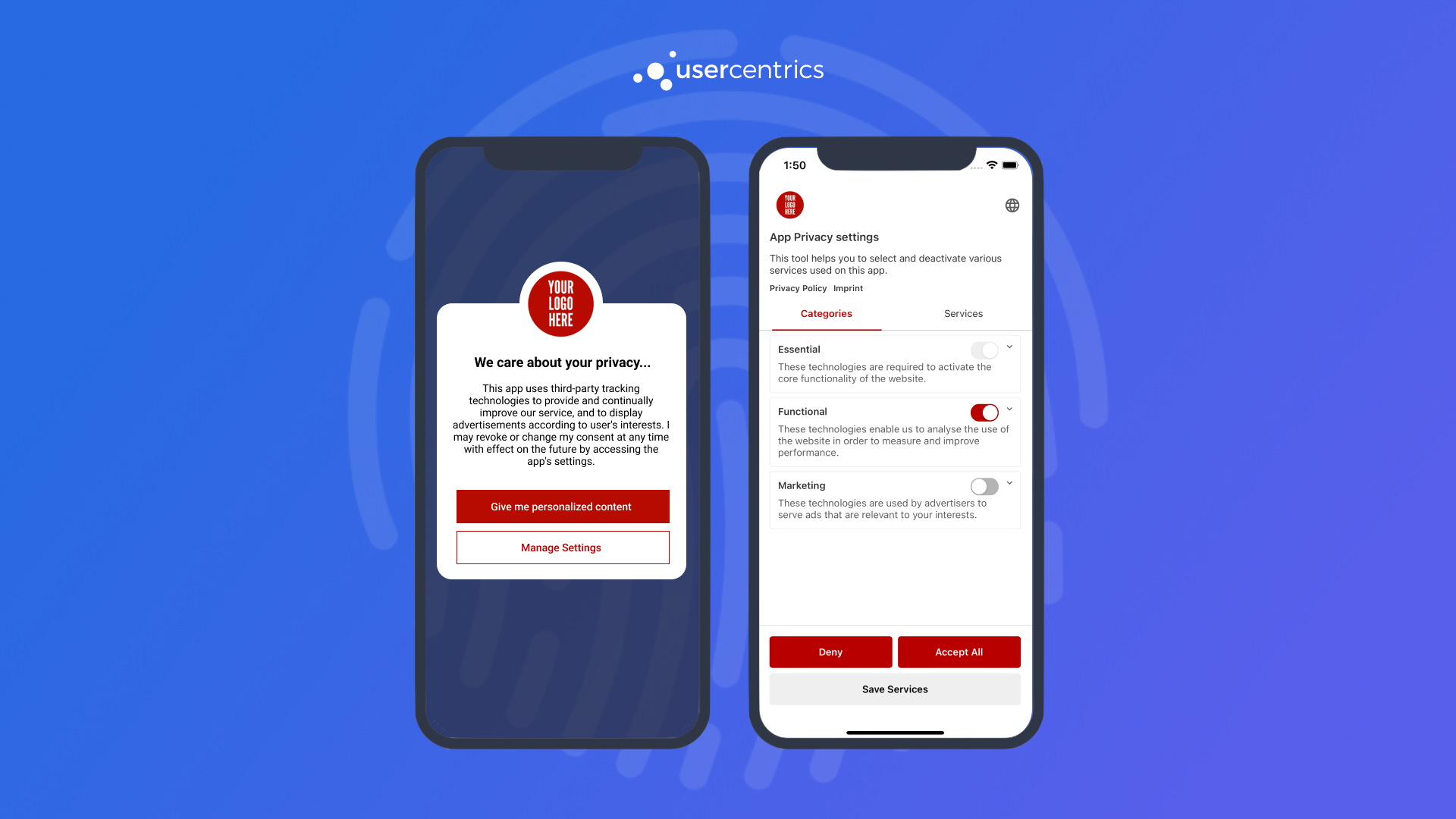
An out-of-the-box UI component, that owns all the complexity of compliance, designed to be highly customizable. Continue to Collecting Consent with UsercentricsUI.
Build you own UI
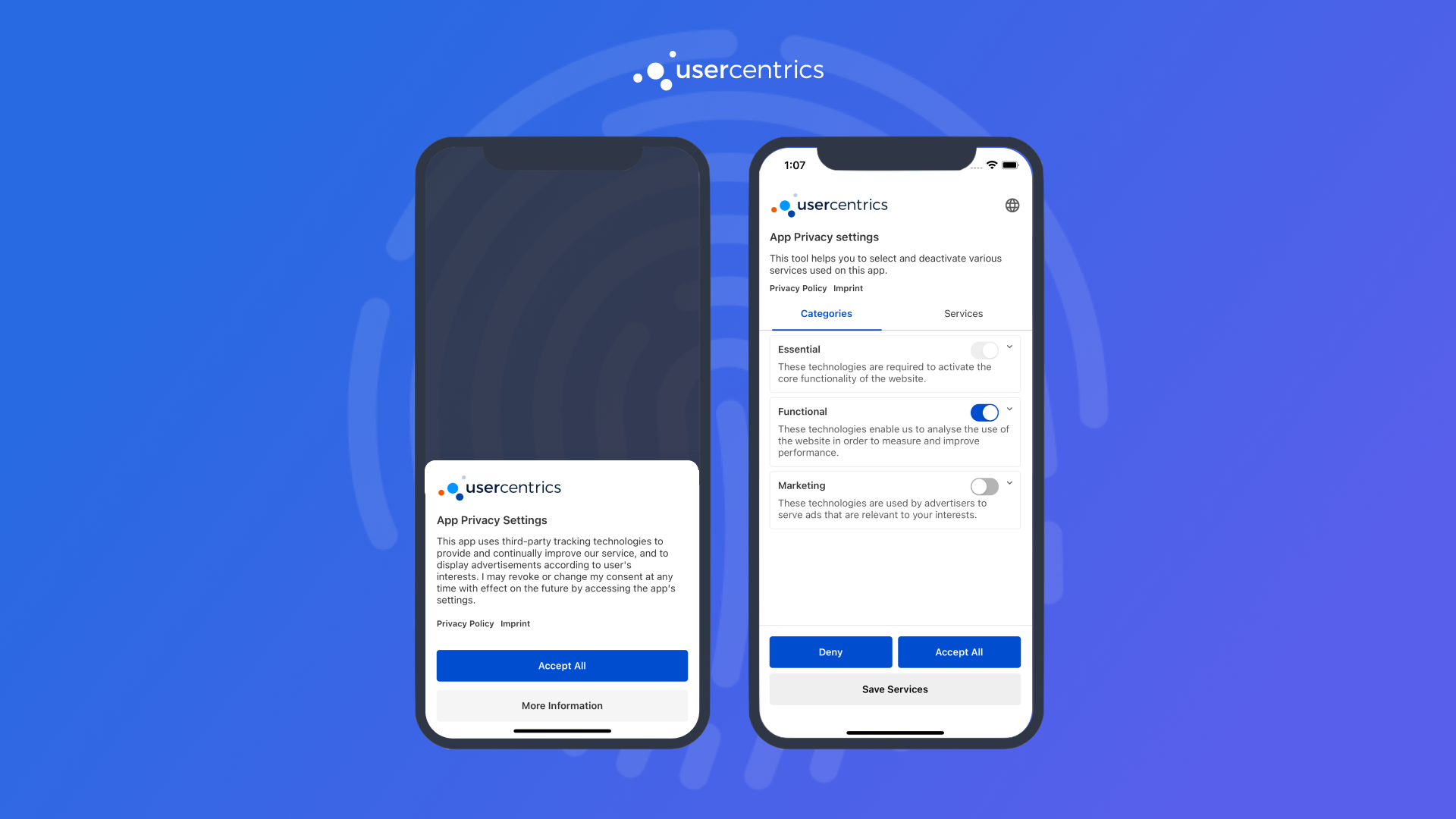
Use our SDK as a data source and render your own consent banner from scratch. Continue to Build your own UI.
Hybrid
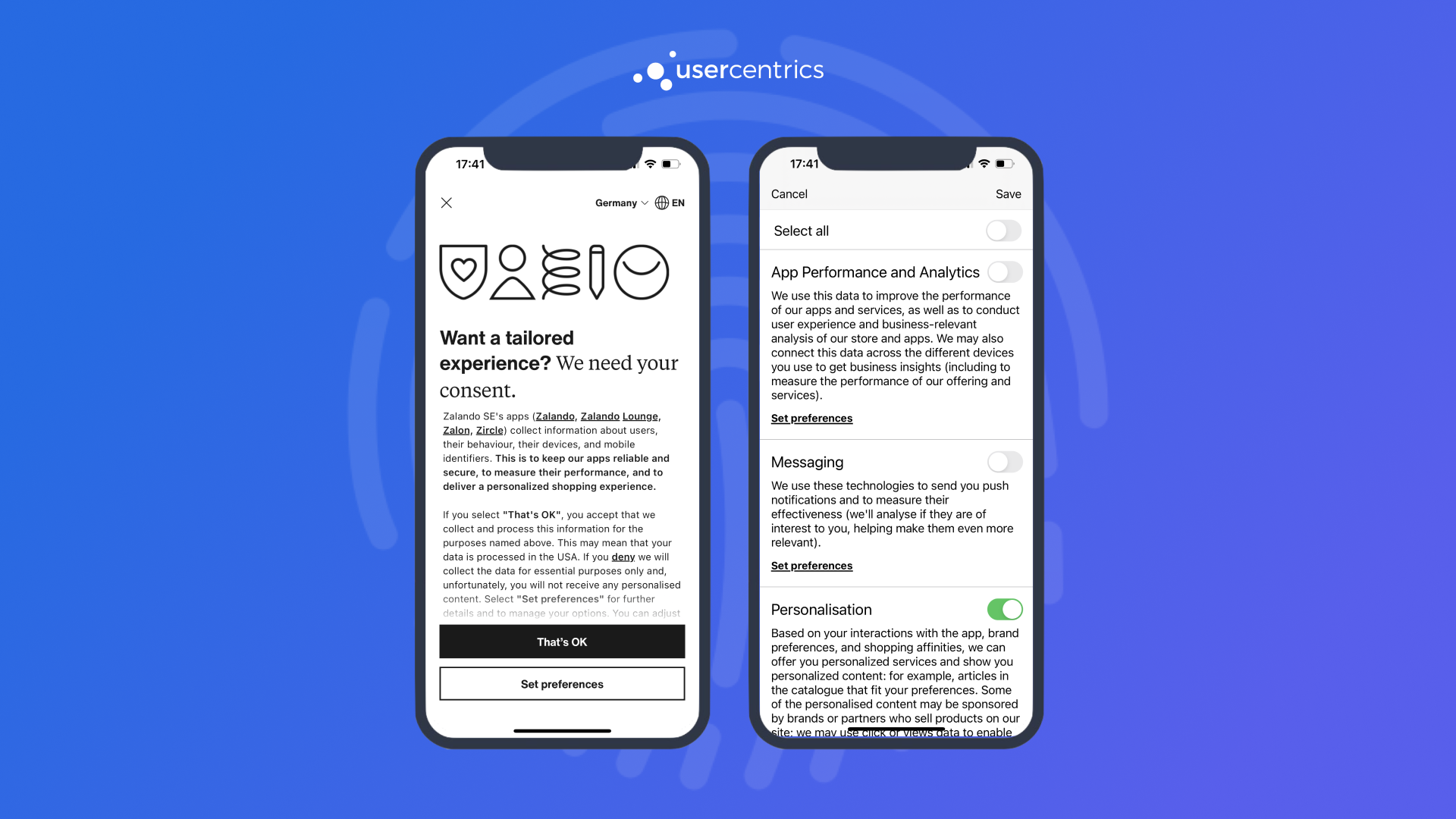
If you need a "in between" solution, we encourage you to mix these two approaches to get the best of both worlds.