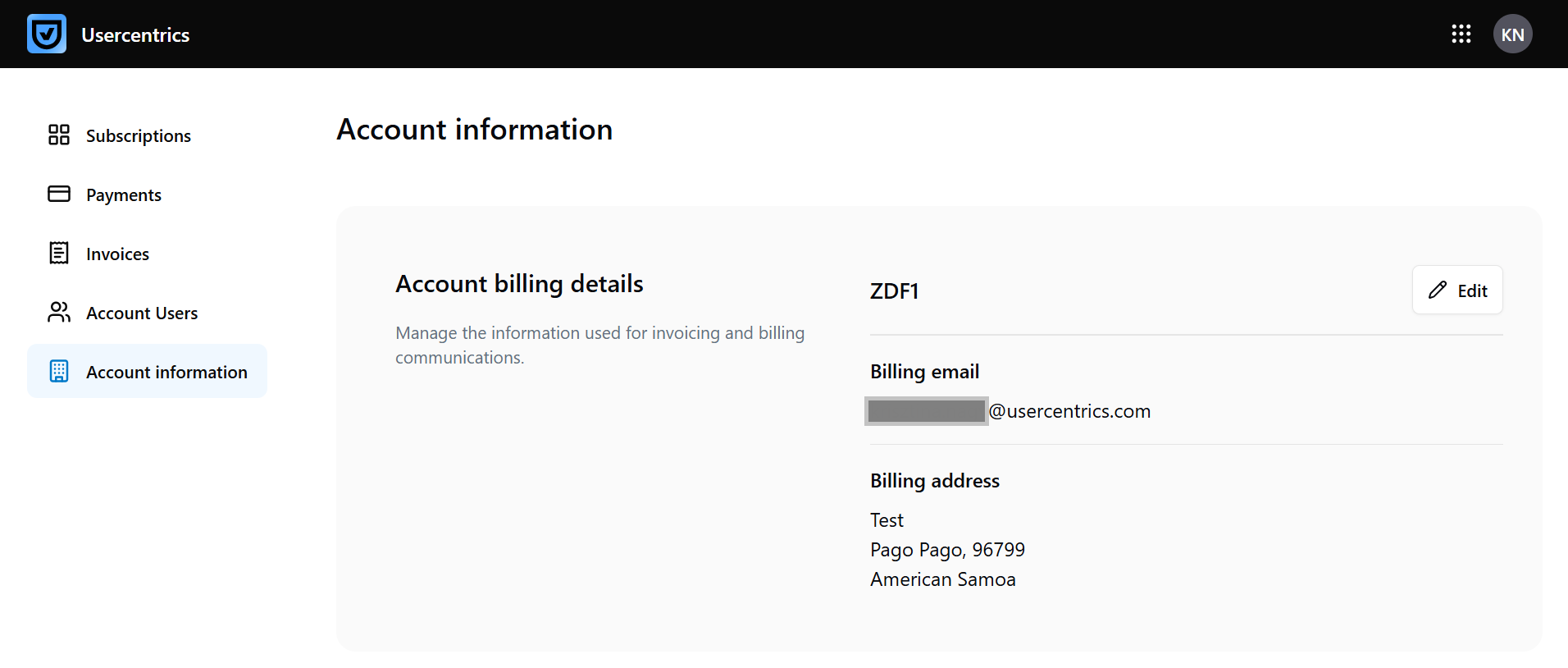
Edit your account information
Progressive rollout
The features described on this page are rolled out progressively to Usercentrics users. This means your UI may differ until your account is migrated to the new interface.
Who can perform this action: Account owner, Admin
Under Account & Billing > Account information, you can update the account name, billing address and VAT ID that appears on the invoices.
To change the billing information, perform these steps:
-
In the top-right corner, select your user account (your initials), and select Account & Billing.
-
In the Account information tab, select Edit.
-
Edit the details you want to change (account name, billing address or VAT ID). The billing email address is the email address of the account owner. To change that, the account owner must open a support ticket.
-
Click Save changes.