Managed Code Stripping
Unity's managed code stripping removes unused C# code at build time to reduce binary size. The Usercentrics Unity SDK is fully compatible with all Unity managed stripping levels.
Supported Stripping Levels
| Level | Value | Status |
|---|---|---|
| Minimal | 0 | ✅ Supported |
| Low | 1 | ✅ Supported |
| Medium | 2 | ✅ Supported |
| High | 3 | ✅ Supported |
Recommended Minimum
We recommend Medium as the minimum stripping level for production builds. The SDK has been validated at Medium and High on both iOS and Android.
How It Works
The SDK ships with a link.xml file inside the .unitypackage at Assets/Usercentrics/link.xml. This file instructs the Unity linker to preserve the Unity.Usercentrics assembly at build time.
No configuration is required. Importing the .unitypackage is sufficient — the link.xml is picked up by Unity automatically regardless of your stripping level.
Why is a link.xml needed?
Two areas of the SDK require explicit linker preservation:
-
Data model serialization — The SDK uses
JsonUtility.FromJson<T>()to deserialize responses from the native bridge. Unity's linker cannot statically trace through generic type parameters, so the data model fields appear "unreferenced" and are removed at Medium/High stripping levels, causing silent data loss at runtime. -
iOS ATT reflection — The App Tracking Transparency post-processor uses
GetField()andGetCustomAttributes()onLanguageenum values at build time. Without preservation,IsoCodeAttributeis stripped before the post-processor runs.
Multiple link.xml Files
If your project already contains a link.xml, Unity automatically merges all link.xml files at build time. There is no conflict with the SDK's link.xml.
Configuring Stripping Level
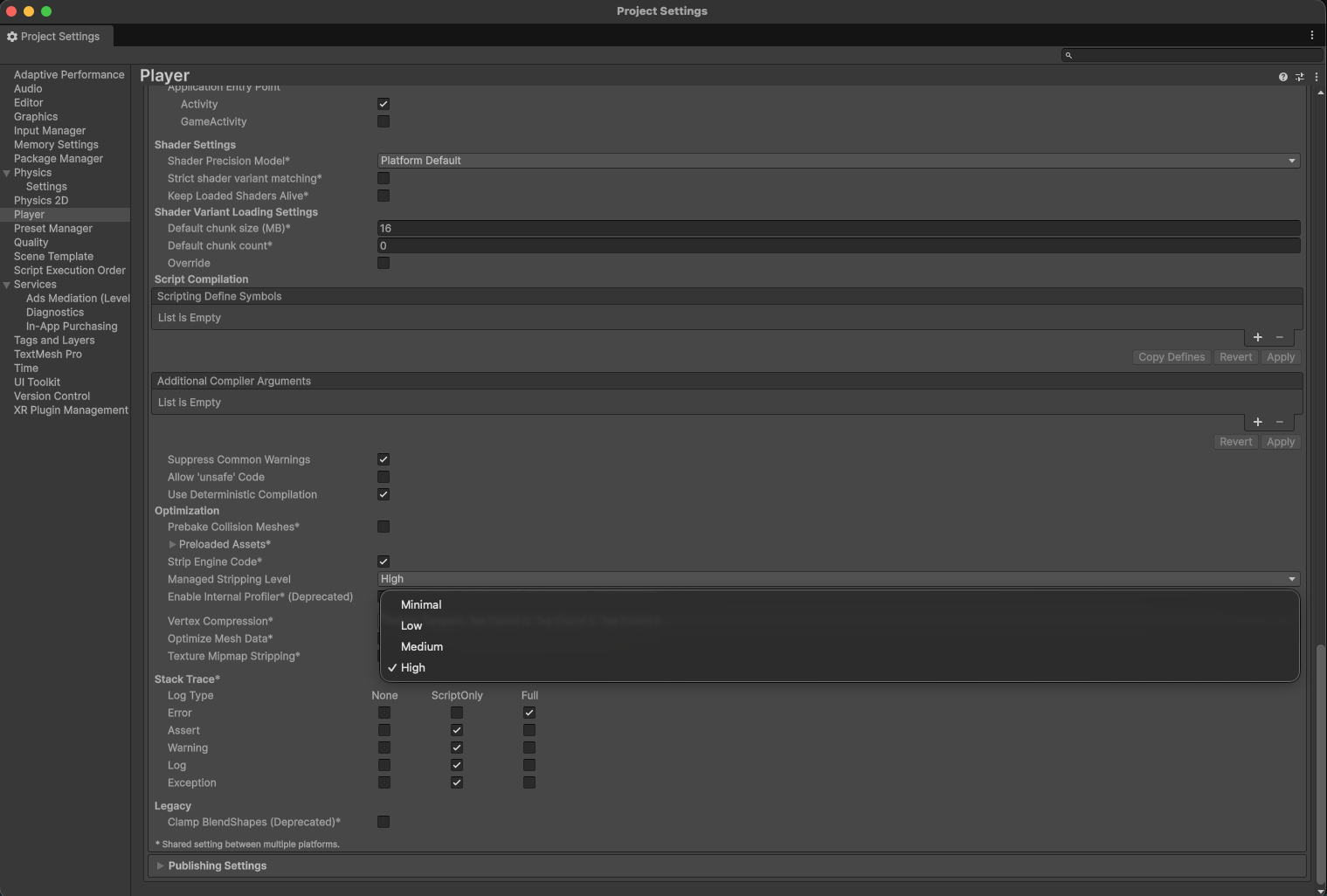
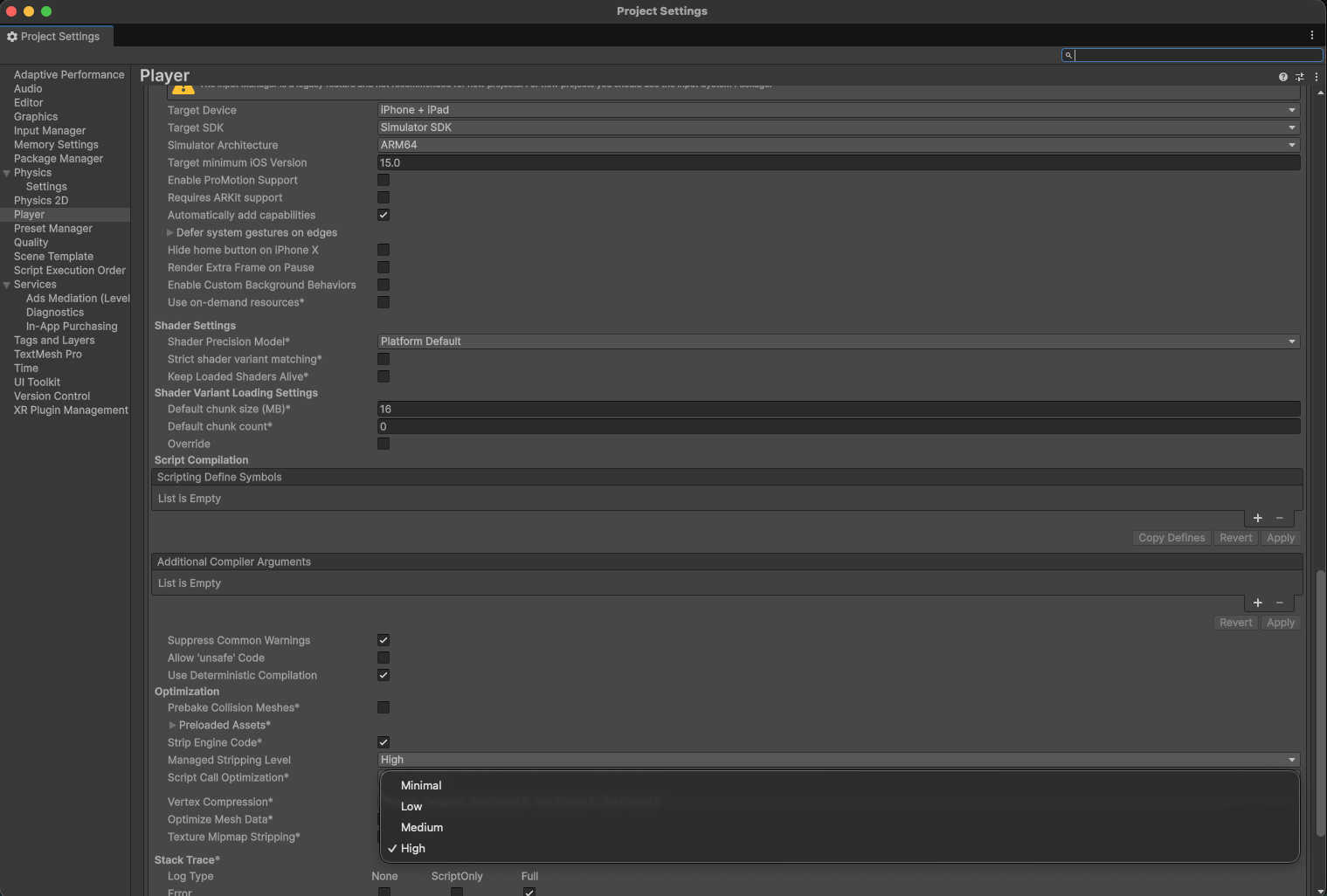
- Open Edit → Project Settings → Player
- Select the Android or iOS tab
- Under Other Settings → Optimization, set Managed Stripping Level to your preferred level
IL2CPP Required for High Stripping
Managed stripping level High is only available when using the IL2CPP scripting backend. To switch: Player Settings → Other Settings → Scripting Backend → IL2CPP.