Switching between Usercentrics products
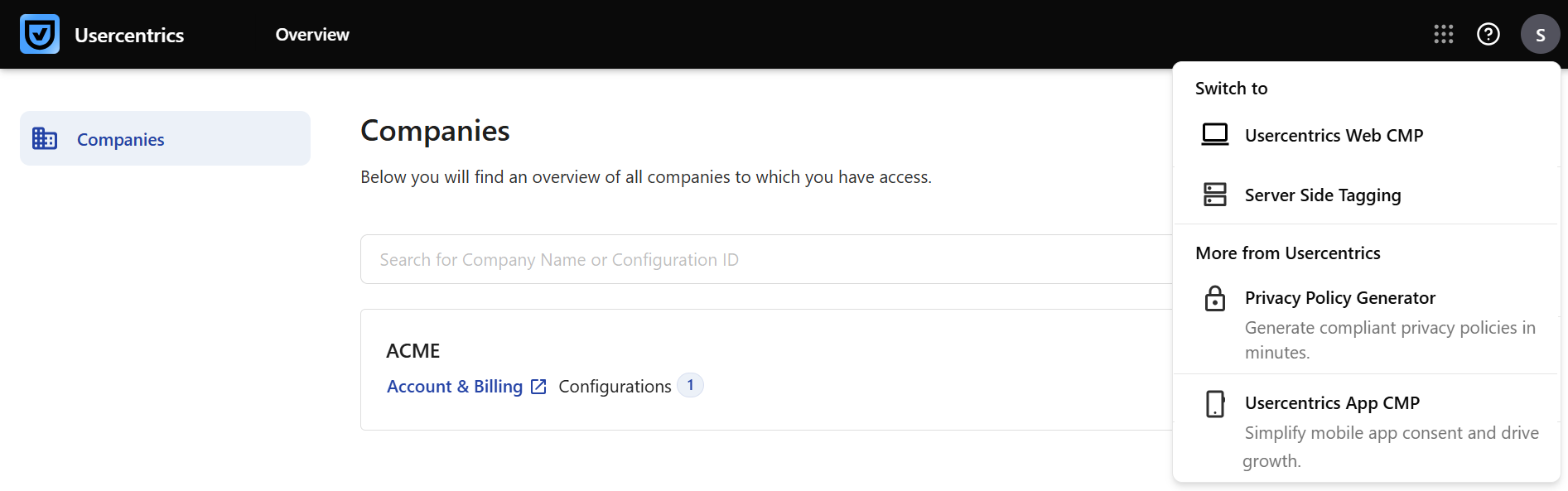
In the Usercentrics platform, you can have access to more than one Usercentrics product with the same user account. You can switch between products that you have access to by using the  button in the top-right corner. You have access to a product when you have a trial subscription, have purchased a paid subscription, or have been invited as a product collaborator for the product.
Until you click the button for the first time, a blue dot is shown to help you find it:
Under the More from Usercentrics you can see other Usercentrics products that you don’t currently have access to that can complement your privacy toolkit.
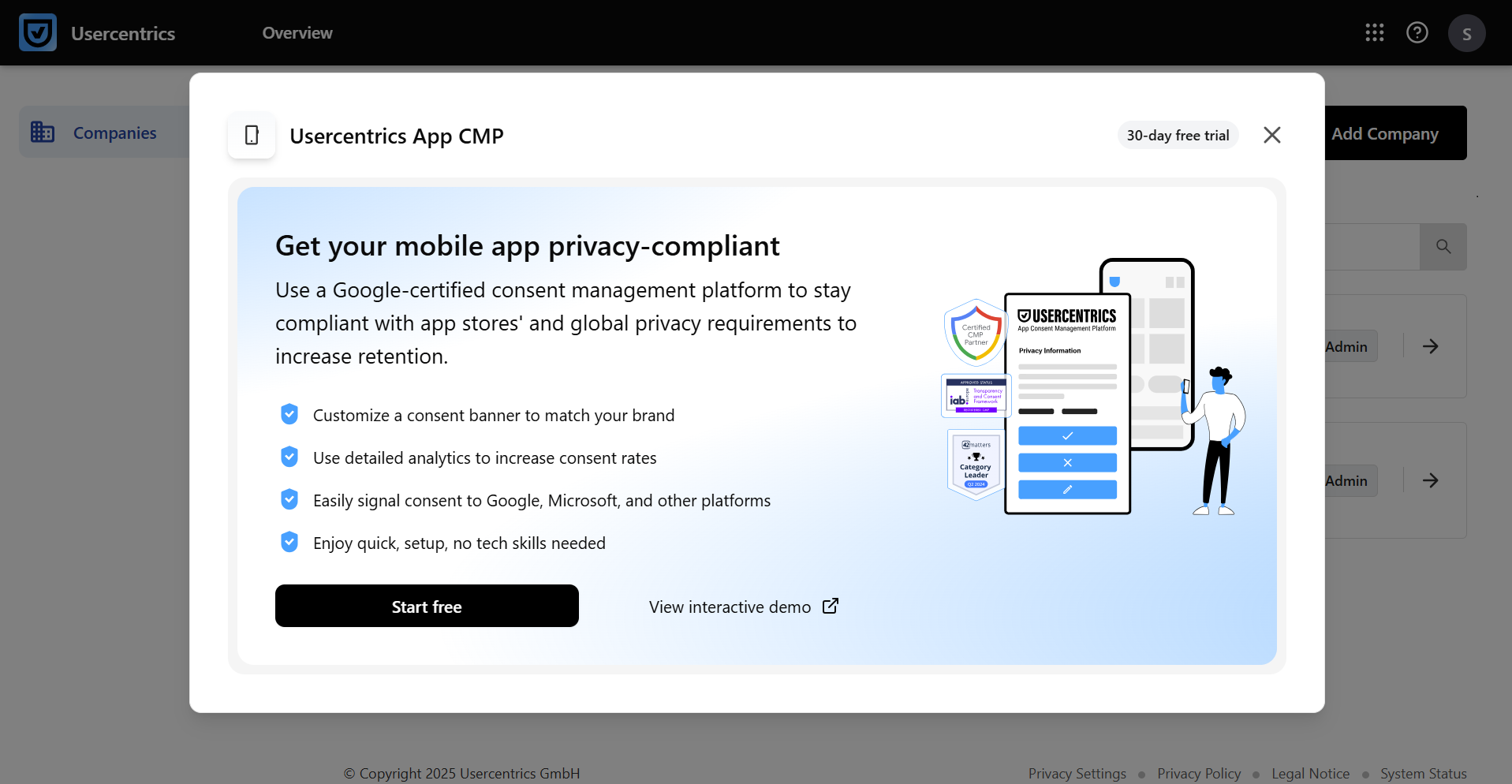
You can try out a product by selecting it under More from Usercentrics, and clicking the Start free button. You can always find out more information and watch an interactive demo of the product by clicking the View interactive demo button.
FAQ
Do I have to create a new account if I want to try out a new product?
If you are an account owner then no, you do not need to create a new account to try out a new product. You can add the new product your existing account.
If you have been invited only as a product collaborator then yes, you will be prompted to create a new account on the Usercentrics sign-up page after clicking on the Start free button.
I can see the same product in both the “Switch to” and “More from Usercentrics” sections. Why?
You don’t have an active subscription that includes access to the billing account for that product.
When a user is invited at either the company or configuration level, the product appears in both the Switch to and More from Usercentrics sections. This way, you can use your access in the company or configuration you were invited to, but you can also explore the product in your own account if you wish.
I can not see the black Usercentrics top bar in my interface. Why?
This may be caused by or related with one of the following:
- Your browser settings and caching behavior. To resolve this, try refreshing your page.
- You have an ad blocker. Disable it to see the new top bar with the Products button.